
Author: jcalberta
Howdy!
I love Westerns.
... and the intent of MyFavoriteWesterns.com is to celebrate Western Movies/Film - old and new.
This site will eventually show my top 30 favorite Westerns - or more. I will have original graphic work with regular updates.
All this - and more ...
Yee Haw ... !!
- jcablerta / Moderator / Administrator

Steve Young …
July 12, 1942 – March 17, 2016
He was 73.
Share this:

Spring in Alberta … 2024


Share this:

The Lone Ranger’s Creed …
The Lone Ranger Opening and Closing Theme 1949 – 1957
The Lone Ranger Creed
The enduring popularity of the Lone Ranger is a very interesting phenomenon which must mystify a lot of todays young people who never grew up with it – and probably consider the whole thing to be
somewhat Camp in character.
Yet there are still several (many?) Lone Ranger websites on the internet – well over 60 years after the masked man rode across our radios and our black and white TV screens.
That tesifys that something is special.
But what? Why?
What was it about this guy – and what he stood for – that grabbed so many people … and still does?
Surely it is embodied in The Lone Ranger Creed.
A Creed that today seems more relevant now than ever.

THE LONE RANGER’S CREED
“I believe…
That to have a friend, a man must be one.
That all men are created equal and that everyone has within himself the power to make this a better world.
That God put the firewood there
but that every man must gather and light it himself.
In being prepared physically, mentally, and morally to fight when necessary for that which is right.
That a man should make the most of what equipment he has.
That ‘This government, of the people, by the people and for the people’ shall live always.
That men should live by the rule of what is best for the greatest number.
That sooner or later … somewhere … somehow …
we must settle with the world and make payment for what we have taken.
That all things change but truth, and that truth alone, lives on forever.
In my Creator, my country, my fellow man.”
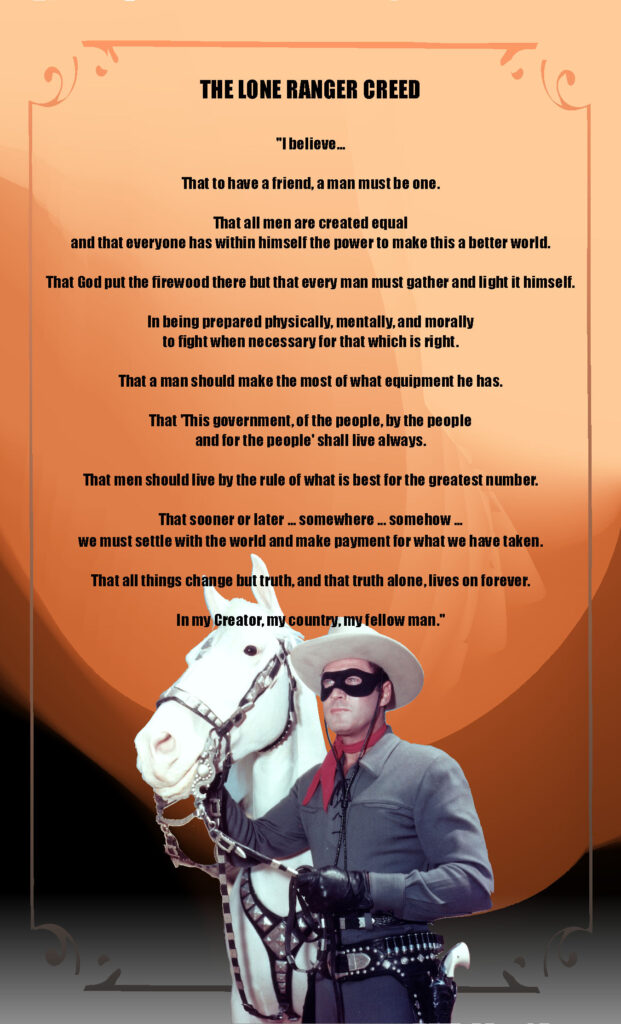
The Lone Ranger: “Only you, Tonto, know I’m alive. To the world, I’ll be buried here beside my brother and my friends… forever.”
Tonto: “You are alone now. Last man. You are lone ranger.”
The Lone Ranger: “Yes, Tonto, I am… the Lone Ranger.”


“Once I got the Lone Ranger role, I didn’t want any other.”
~ Clayton Moore
Share this:

Glenn Ford .. that’s a wrap

As I said, Glenn Ford made 26 Westerns. Ive been trying to catch up.
BUT he was making Westerns before I was born!
Therefore I cannot profess expertise. Only what I like.
I can say that his Westerns definitely display
his unquestioned Star Power. He could carry the ball –
and was a Box Office Star for at least 40 years – in any film genre.
FYI: Several of his Westerns are available to watch for Free
on YouTube and other Internet Locations.
And most are of watchable quality.
I just watched The Violent Men (1955) on YouTube …

I have to think that a lot of Western Fans
would consider The Violent Men to be a Western Classic.
It is a good Western with a stuning Cast:
Glenn Ford, Edgar G. Robinson, Barbara Stanwyck, Brian Keith,
Richard Jaeckel, Jack Kelly …
With great Writing and dialogue.
I then rewatched The Man from Colorado
also on YouTube.
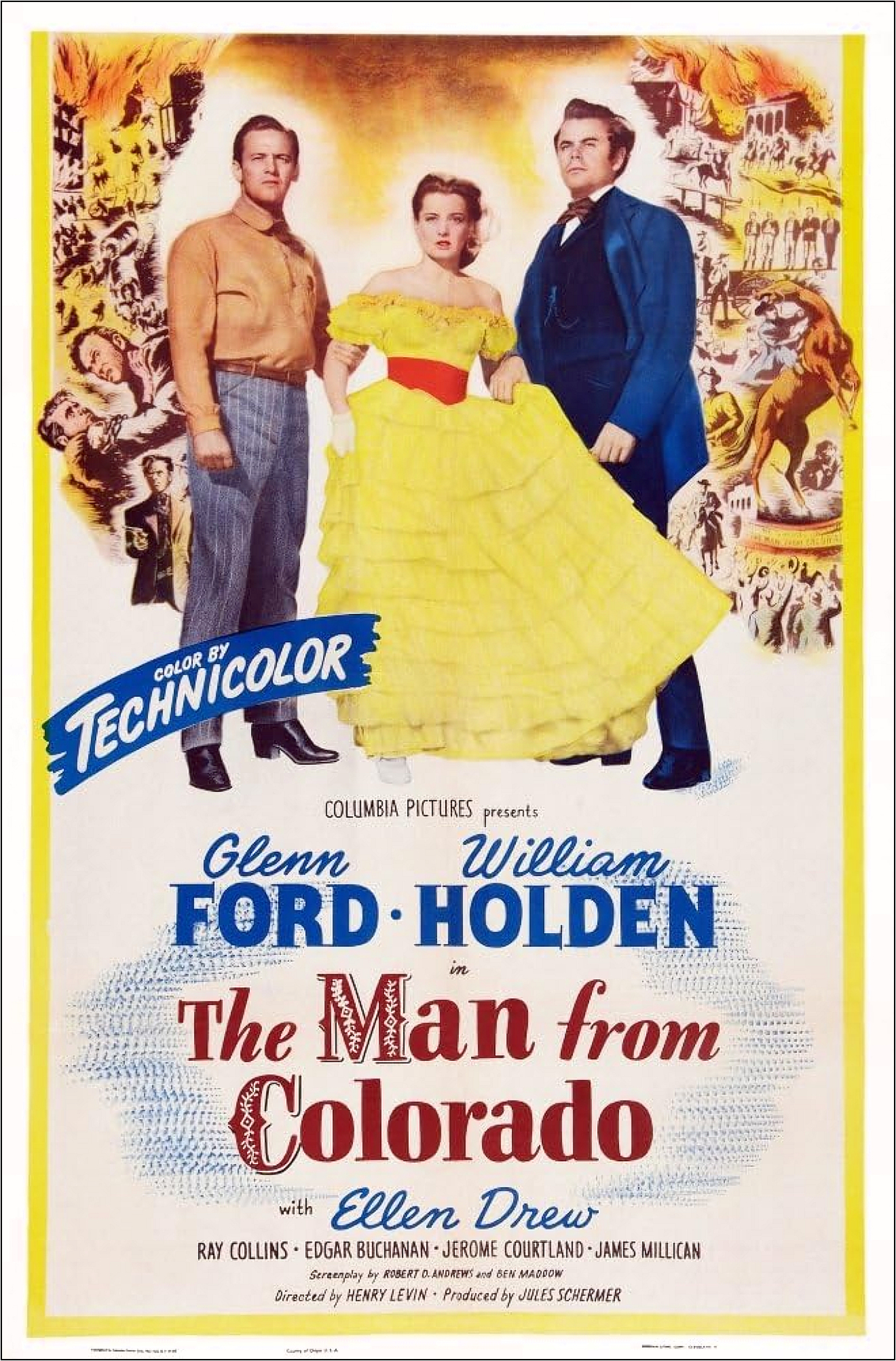
 … and I have to confess it’s still tough to watch Ford play a Badguy.
But he did it again in 3:10 to Yuma.
A few other Favorites:
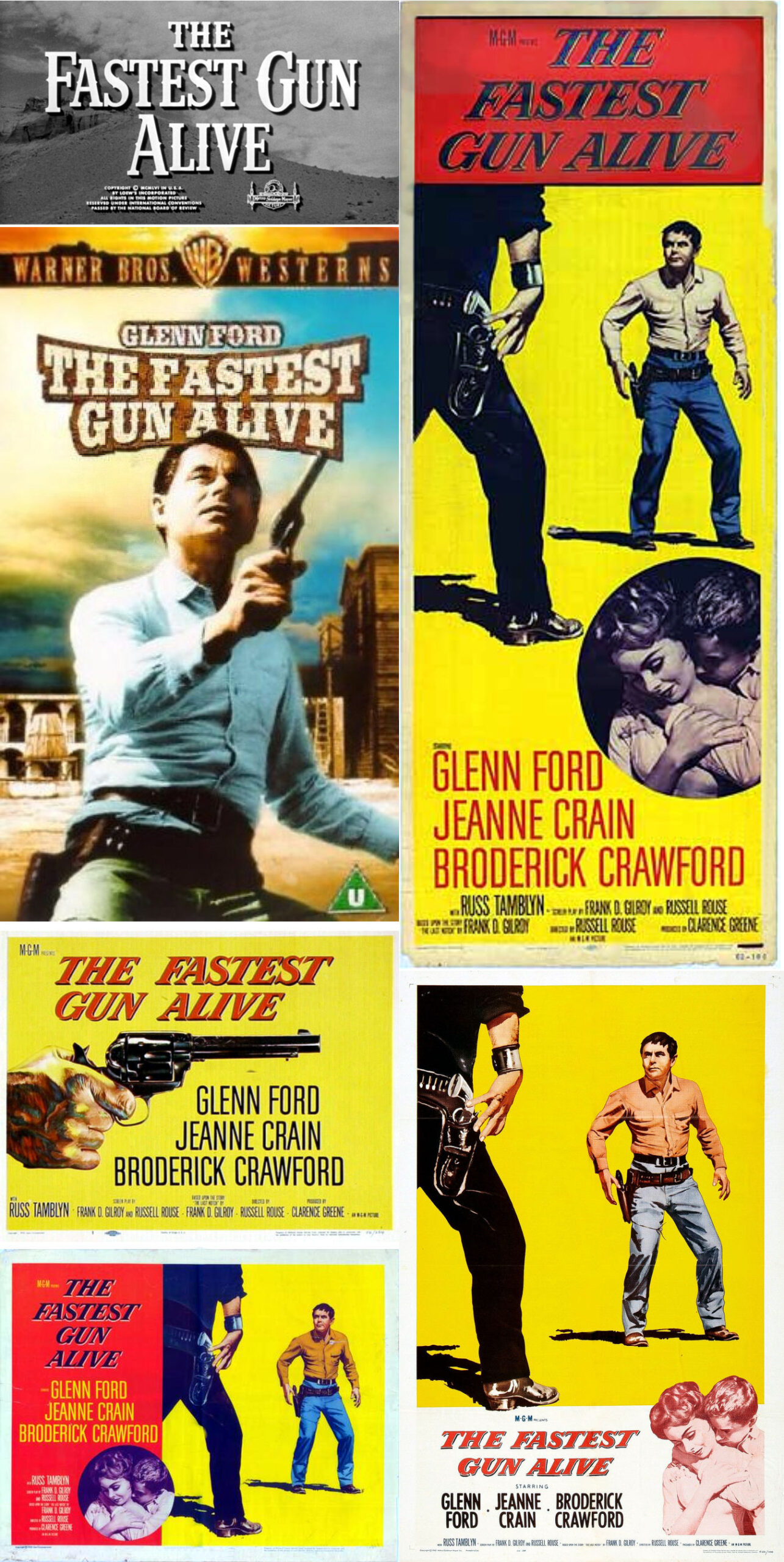

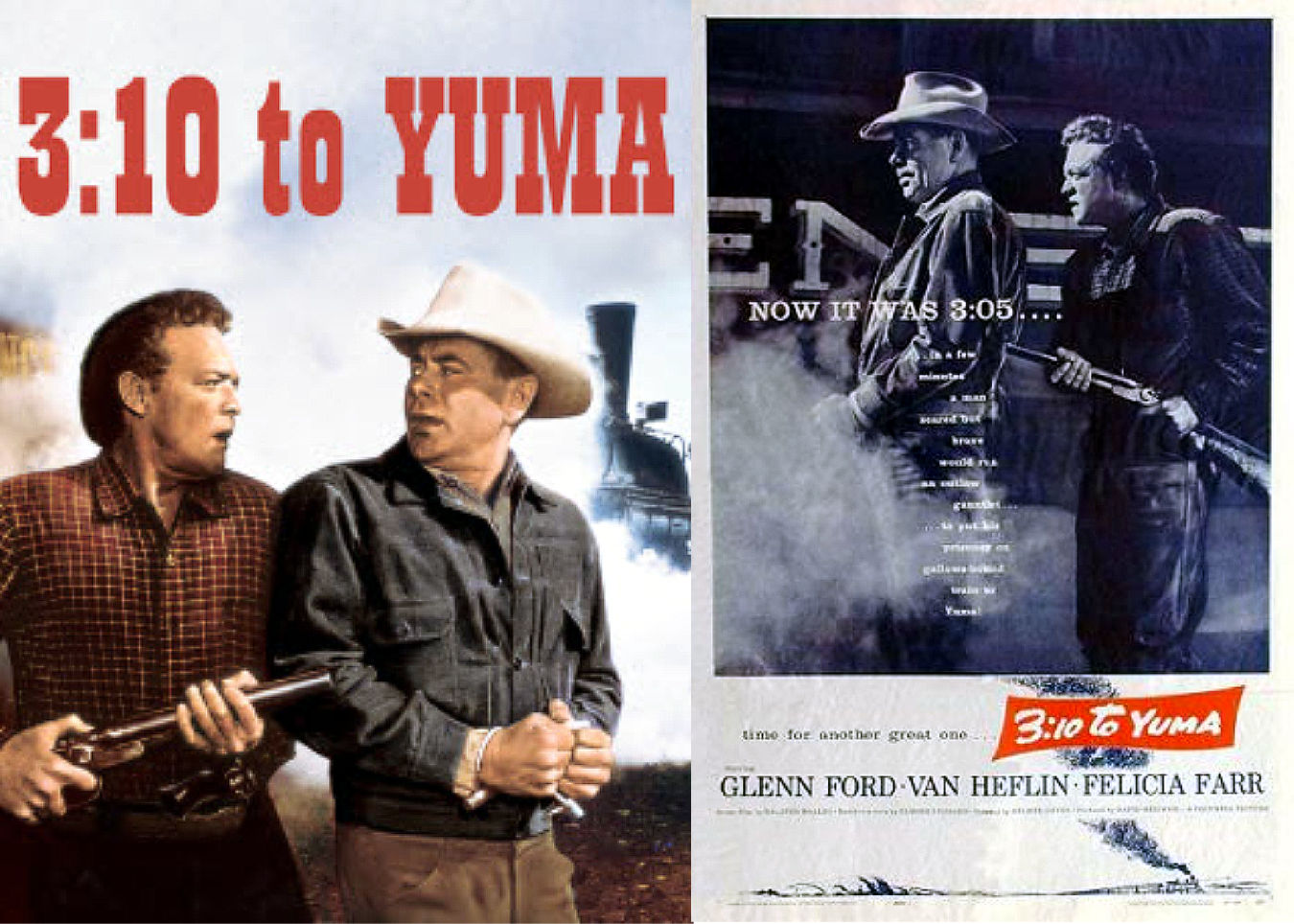
 Thanks Glenn!
Moving on.
Share this:

Horizon / An American Saga / Trailer 1
Share this:

Glenn Ford update …
Been working on my last post for Western Favorite Glenn Ford.
I want to do a good job and it’s not coming together swiftly.
I’m not all that swift myself right now,
but we’ll be right along.
Hope you’re all having a great Spring.
Share this:

My Health Issues …
I’m Posting this because maybe it will be useful information for somebody?
I’ve been getting sick a lot recently. Never happened before. I’ve had great health most of my life. But now I seem to be getting sick quite often. Even worse, I don’t heal up like I used to before. A bug I caught recently lasted 6 weeks! In the past I normally would have gotten such a thing within a week. My conclusion that my Diabetes 2 has seriously impacted my immune system. I didn’t know this could happen. I will have be aware of this going forward. This is my new reality/normal. To say this in influencing me in a lot of ways is an understatement. That’s life I guess. Things can change and we have to adapt. Or else. This is mainly why I haven’t been Posting much lately. Thank You for hanging with me.
Onward …
Share this:

Spring …
 It’s official.
Share this:

We’re back …
We’ve been back for a few days, but I got sick again right away.
It’s a Cold? I guess? …. but who knows these days?
The Cruise was great – tarnished a bit by our inexperience at such things.
Yet ever interesting.
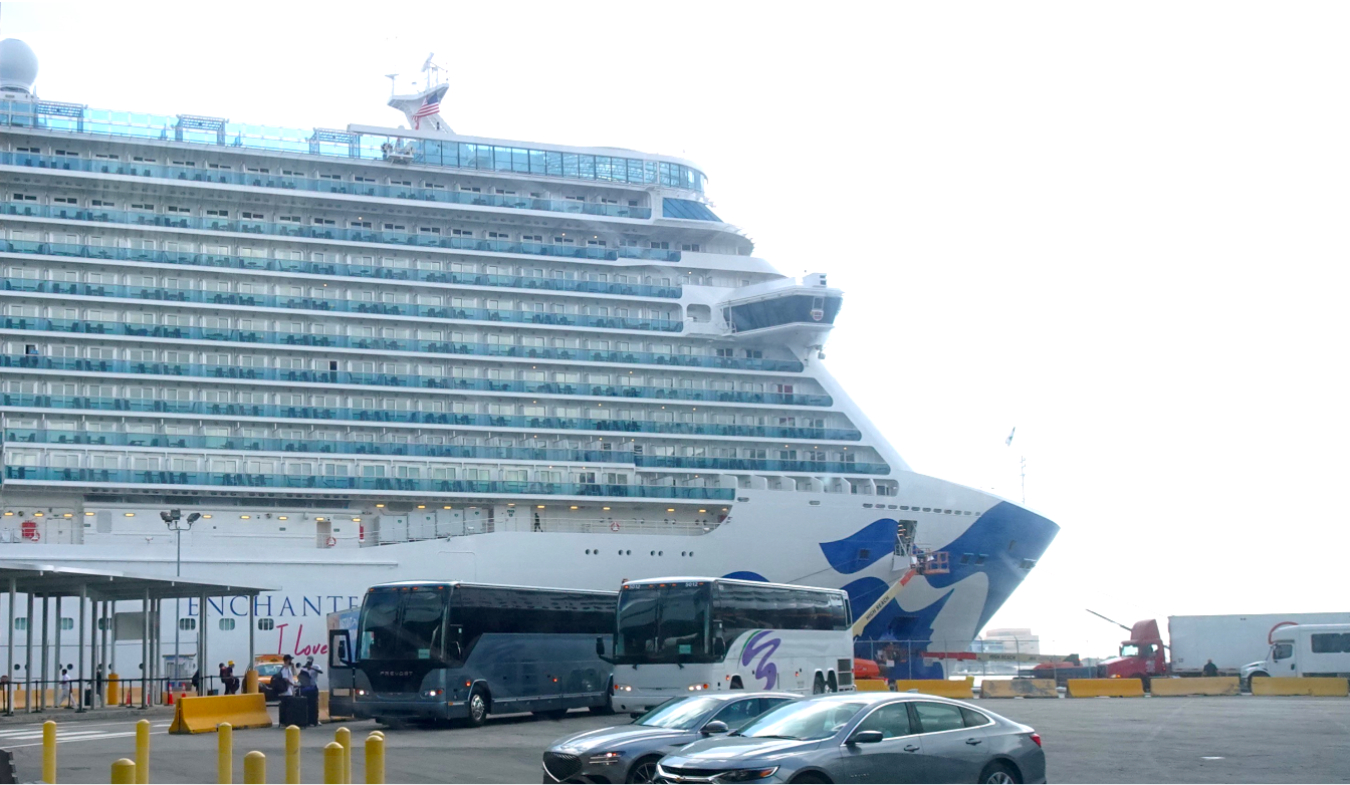
That ship is … Large.

I’ll get back at things right away …
… He said.
Share this:

The Dead Don’t Hurt / Viggo Mortensen

Looks promising …
Share this:

Glenn Ford / 3:10 to Yuma / 1957


Share this:

Glenn Ford Iconic Images …
Inducted into the Hall of Great Western Performers at the National Cowboy & Western Heritage Museum in 1978.
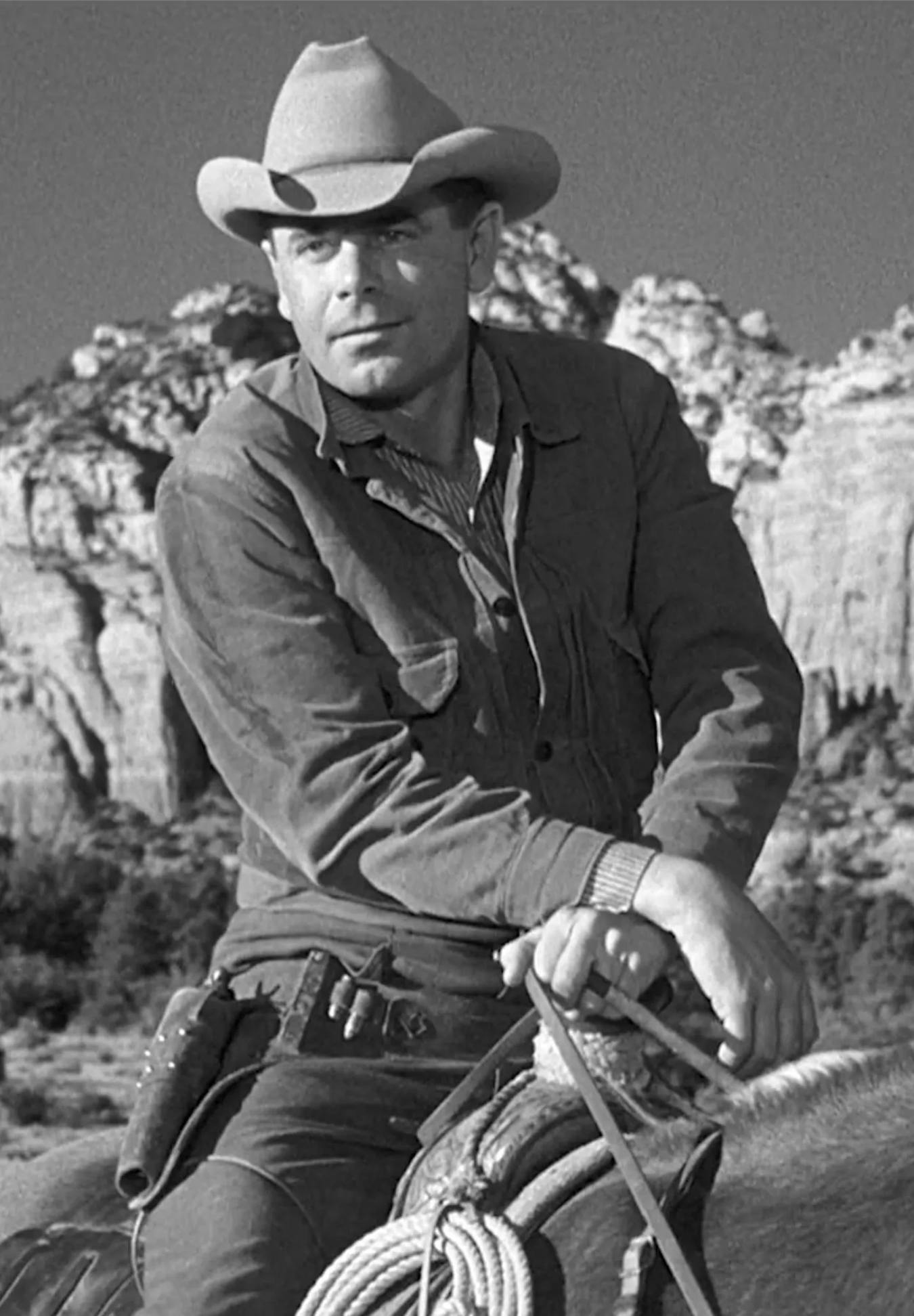 In 1942 he joined the American Marines for 3 1/2 years then transferred to the navy as a captain , a rank he held for the rest of his life.
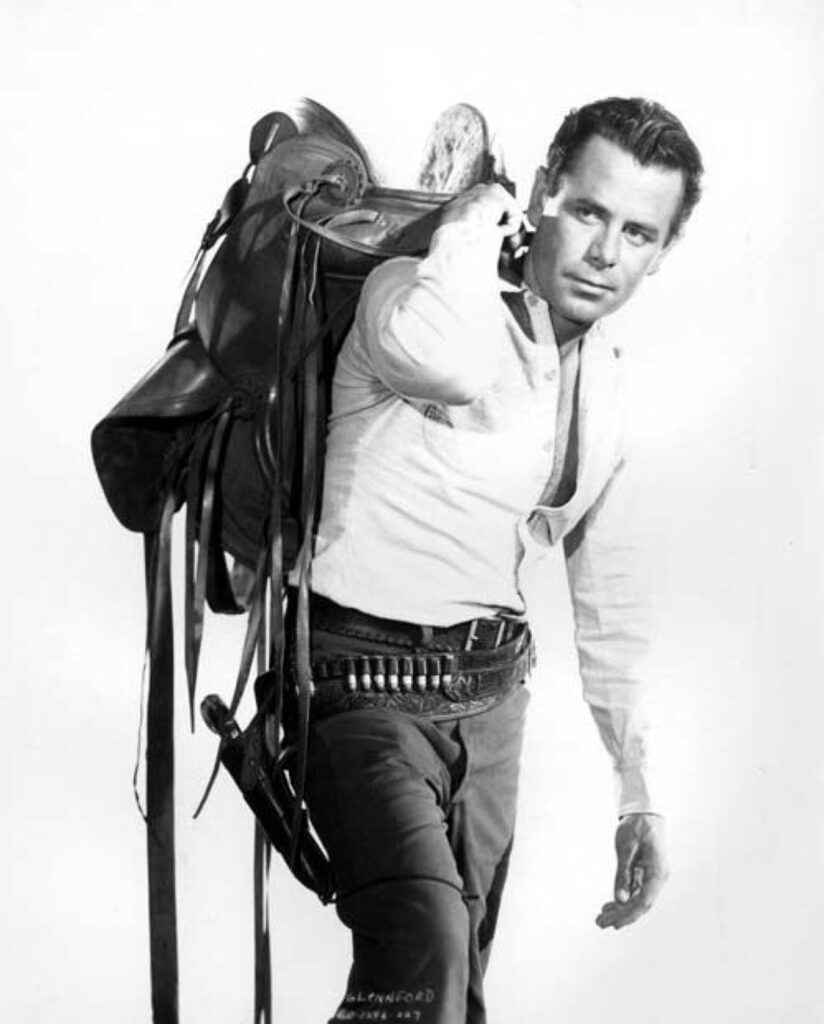
Awarded the French Legion of Honor Medal (Legion d’Honneur), and appointed to the rank of Knight of the Legion of Honor in 1992, by the French Government for service in World War II. Created to honor extraordinary contributions to the Republic of France, the Legion of Honor is France’s highest distinction.
 “William Holden and I weren’t just good friends.
He was my very best friend. I feel his loss very much still.”
 In 1967 Naval Reserve Officer Lt. Cmdr. Ford (then aged 51) volunteered to serve for three months as a liaison officer attached to a Marine unit, with the Marine rank of full colonel, in Vietnam, and on several occasions endured enemy shelling.In 1967 Naval Reserve Officer Lt. Cmdr. Ford (then aged 51) volunteered to serve for three months as a liaison officer attached to a Marine unit, with the Marine rank of full colonel, in Vietnam, and on several occasions endured enemy shelling.

Went on a jungle mission with a Special Forces team
during the Vietnam War.
 Credited with being one of the fastest “guns” in Hollywood westerns; able to draw and fire in 0.4 seconds, he was faster than James Arness
(Matt Dillon of Gunsmoke (1955)) and John Wayne.
 Ford and Van Heflin … ‘3:10 to Yuma’
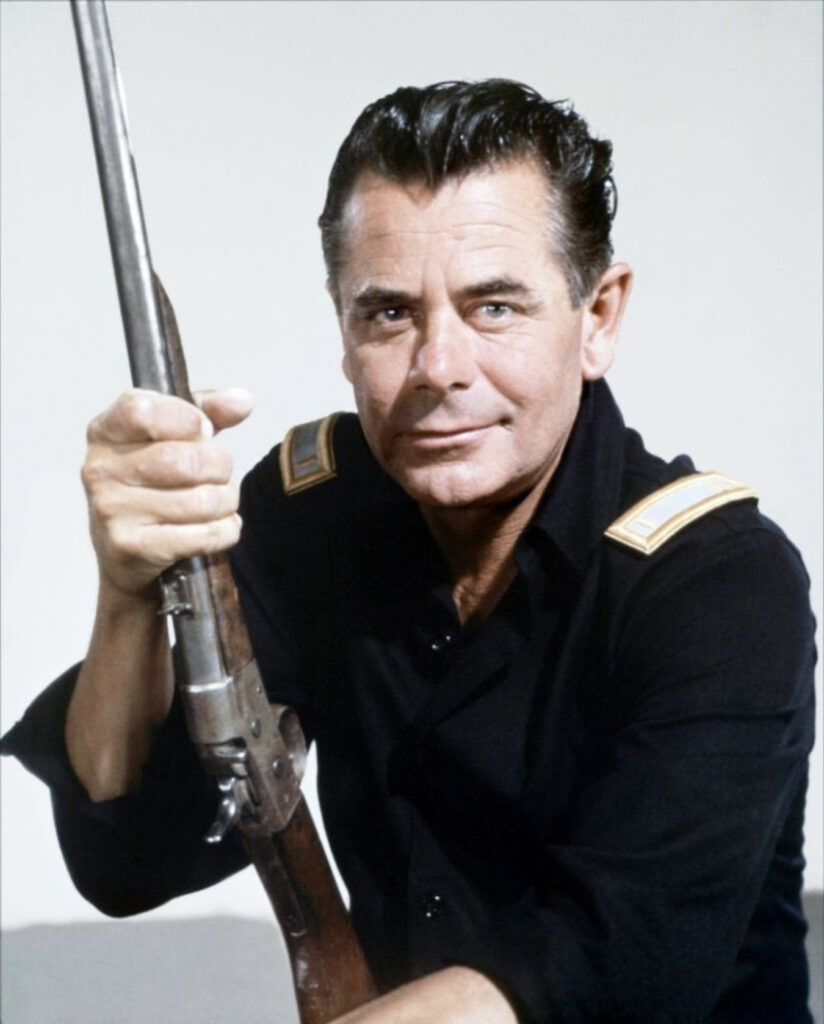 He had intended to portray Hondo Lane in Hondo (1953), but backed out when John Farrow was chosen to direct. Ford and Farrow did not got along while making Plunder of the Sun (1953), causing Ford to lose interest in the role. The role was subsequently portrayed by John Wayne.

His few attempts at playing villains were not generally well-received.
Critic David Thomson complained “3:10 to Yuma” suffered because of Ford’s “inability to be nasty”.
Share this:

3:10 to Yuma / Western Classic / Delmer Daves / Glenn Ford
“What are you squeezin’ that watch for?
Squeezin’ that watch ain’t gonna stop time.”
– Glenn Ford as Ben Wade / 3:10 to Yuma
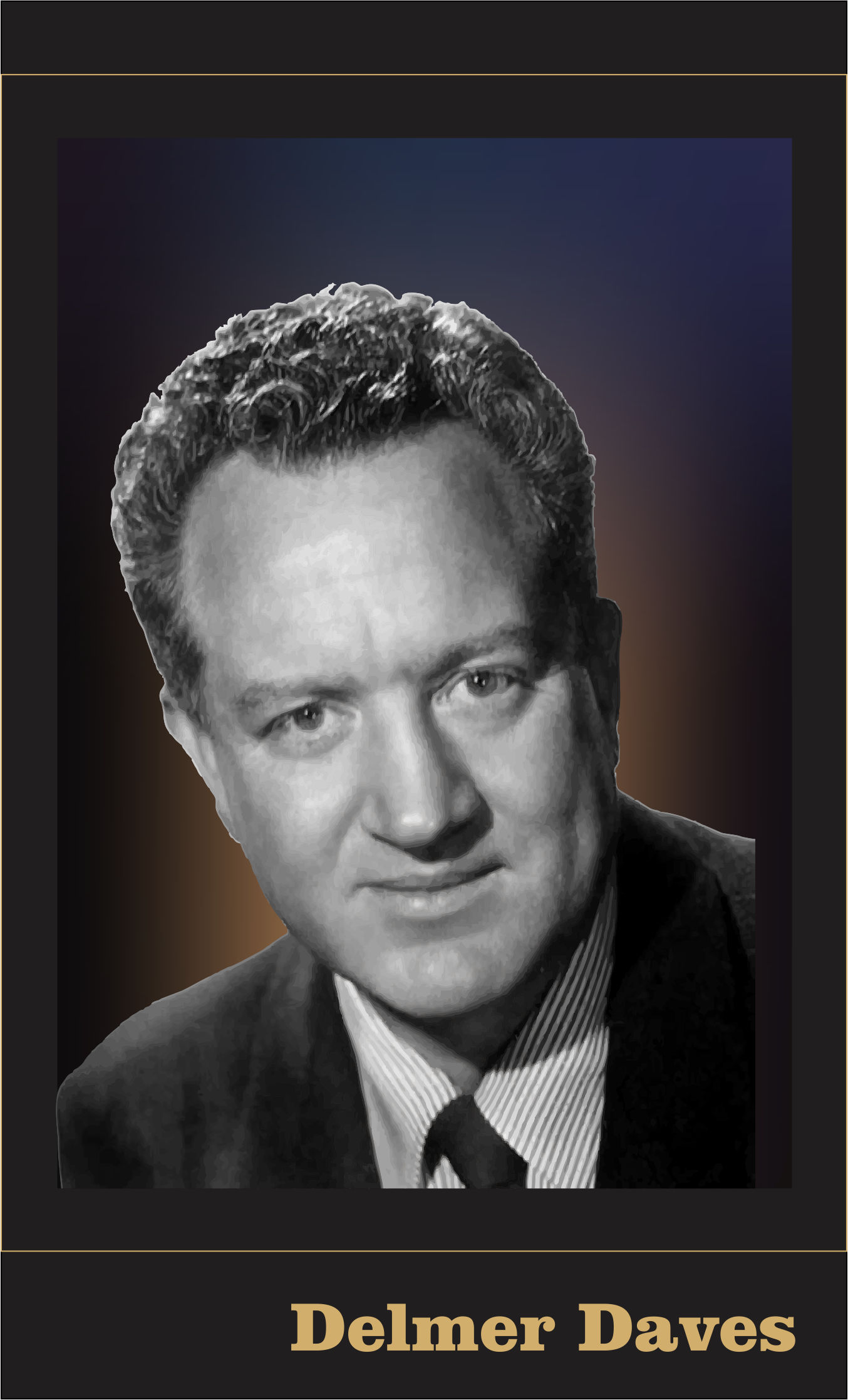
Quiet on the set! Master at Work …
One critic has noted the likely influences of German Expressionist film makers in 3:10 to Yuma. Such insight is beyond my ken – so it’s much appreciated. Other, closer to home influences, are more obvious, as from Fred Zinnemann’s High Noon and John Ford’s Classics Stagecoach,
My Darling Clementine … others.
No color? No Computer Generated Effects?
No problem.
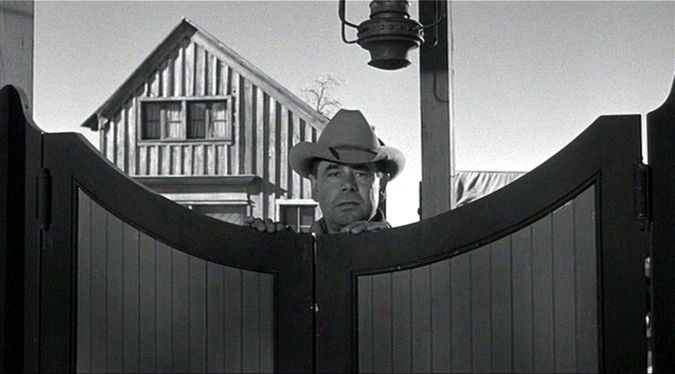
All the unique virtues of Black and Film making are in evidence. Plus more:
high angle … low angle … wide angle … echo shots … close ups … lighting … shot framing … scene composition … dramatic use of Light/Dark/Shadow … Direction …
Nearly every shot in 310 to Yuma is crafted … seamlessly and unpretentiously integrated.
Daves knew it all – used it all …
3:10 to Yuma: Western Classic.
That’s a wrap.
 ____________________________________________


 ____________________________________________
Share this:

Glenn Ford … Western Star Favorite …


Going away for about 10 days …
Rose has signed us up for another Cruise.
This time it’s a 10-day Caribbean Cruise.
On this big ship:

The Enchanted Princess
WOW!
Leaving Monday.
Flying to Fort Lauderdale (5 hours from Calgary).
Jumping on Ship.
Will hit Anigua, Martinique, St. Lucia, Dominica,
St. Thomas, and Grand Turk.
I’m still a rookie at this Cruising thing so I don’t know what to expect?
Hoping the seas are glassy and sunsets beautiful!
I’m 75 now, so my travelling days may soon be over.
But I’m sure I’ll suffer through it all somehow.
*KOFF*
See you later …
Share this:

Who Wuz that Western Movie Star? … Quiz … one last Hint.
I thank everybody for their kind feedback on my annoying QUIZ!
But I did really figure somebody woulda got him right away?
There was indeed some educated guesses to be sure.
OK then … LOL! … this is my last hint:
*Drum roll*
(or at least smoke signals)
He’s not in this pic:

But he IS in this pic
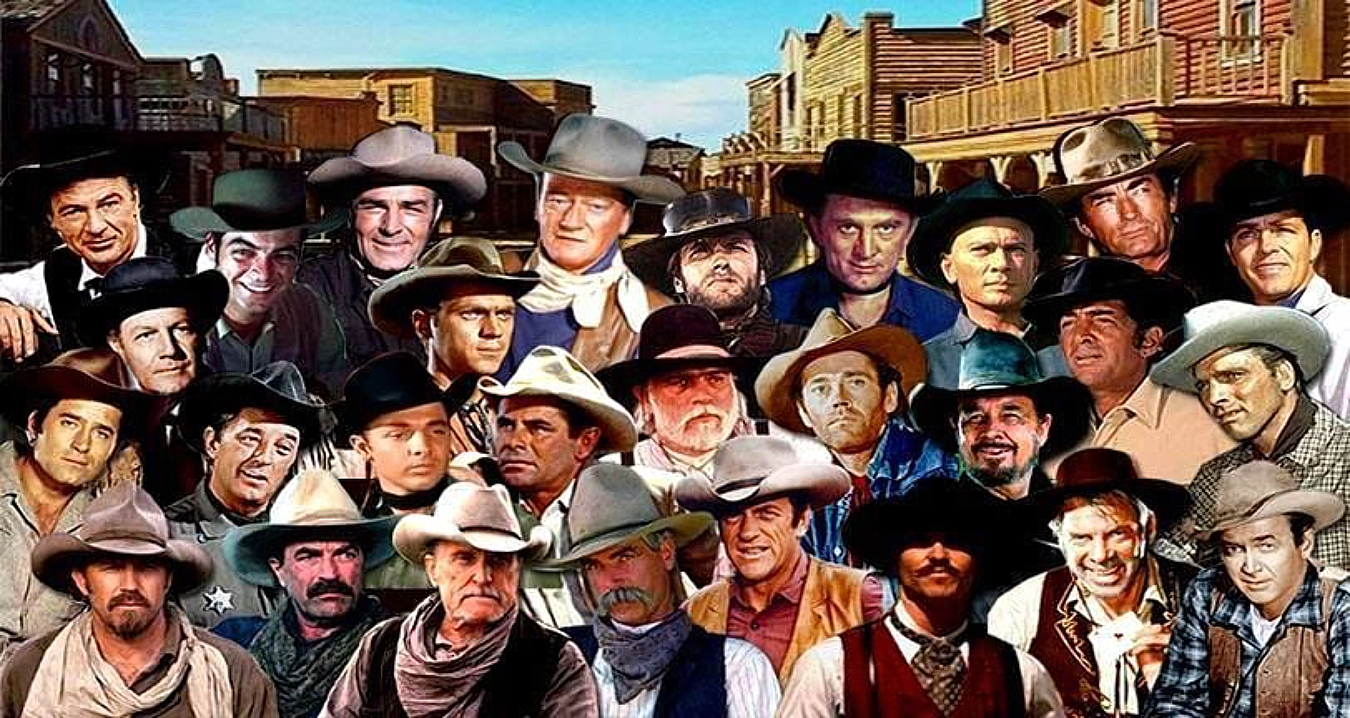
That rumpled hat never gave him away eh?
Share this:

Who Wuz that Western Movie Star? … Quiz Part 2
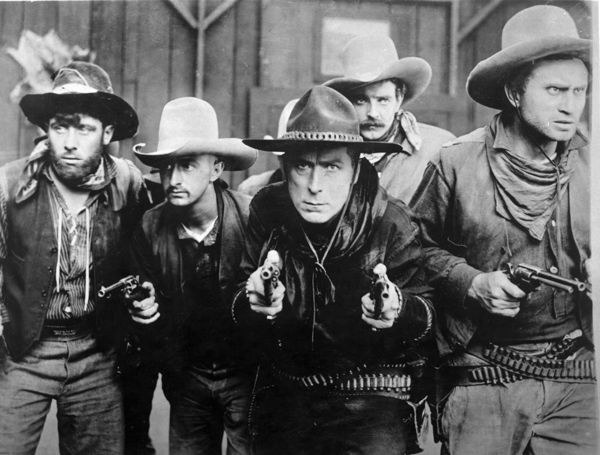
The QUIZ:
Though I thought my previous hints would have given him away …
I’ve recieved a request for an additional hint about
Who wuz that mysterious Western Movie Star?

Additional Hints:
– Was a prominent Film Actor for over 50 years.

– One of the biggest box-office draws of the 1940s, 1950s, and 1960s.
– Five of his films have been selected for the National Film Registry
by the Library of Congress as being
“culturally, historically or aesthetically” significant.

-inducted into the Western Performers Hall of Fame at the
National Cowboy & Western Heritage Museum
in Oklahoma City, Oklahoma.
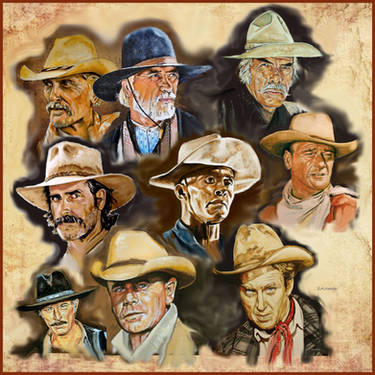
I hope these hints will be sufficient?
Share this:

2 of My Top Ten Favorite Western Stars … Quiz …
Still workin’ on a couple of
My Top Ten Favorite Westerns Stars.

One of them might surprise ya?
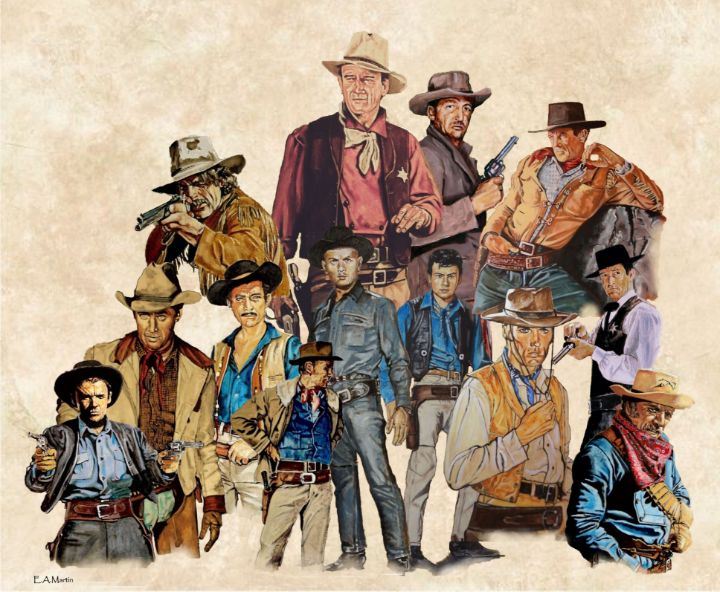
So I’ll start a bit of a Quiz:

First Clue:
This Star made over 25 Westerns!
Spanning about 40 years!
BIG CLUE:
Seemed to wear the same kind of rumpled cowboy hat in a lot of ’em.
???
OK … No Cheatin!
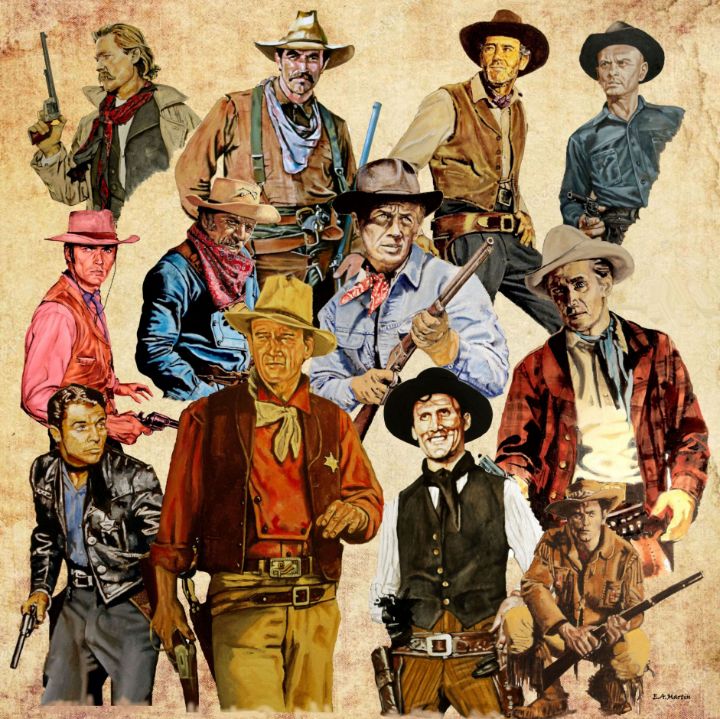
OK, OK, go ahead and cheat.
Likely won’t help none anyway.
Next Clue coming … (if necessary)
Share this:

Folk Music of the 60’s / Musical Interlude …
There’s still a few of us who remember the Folk Era of the 60’s.
It was big and a lot of great music came out of there.
One of my favorite groups of that time was The Brothers Four.
Four guys who could really sing.
This is a favorite of mine:
Hope you like …

